


Legacy System Integration: Modernize Business Processes
Learn how to connect legacy systems, map data flows and choose an integration architecture to reduce manual work and modernize business processes.
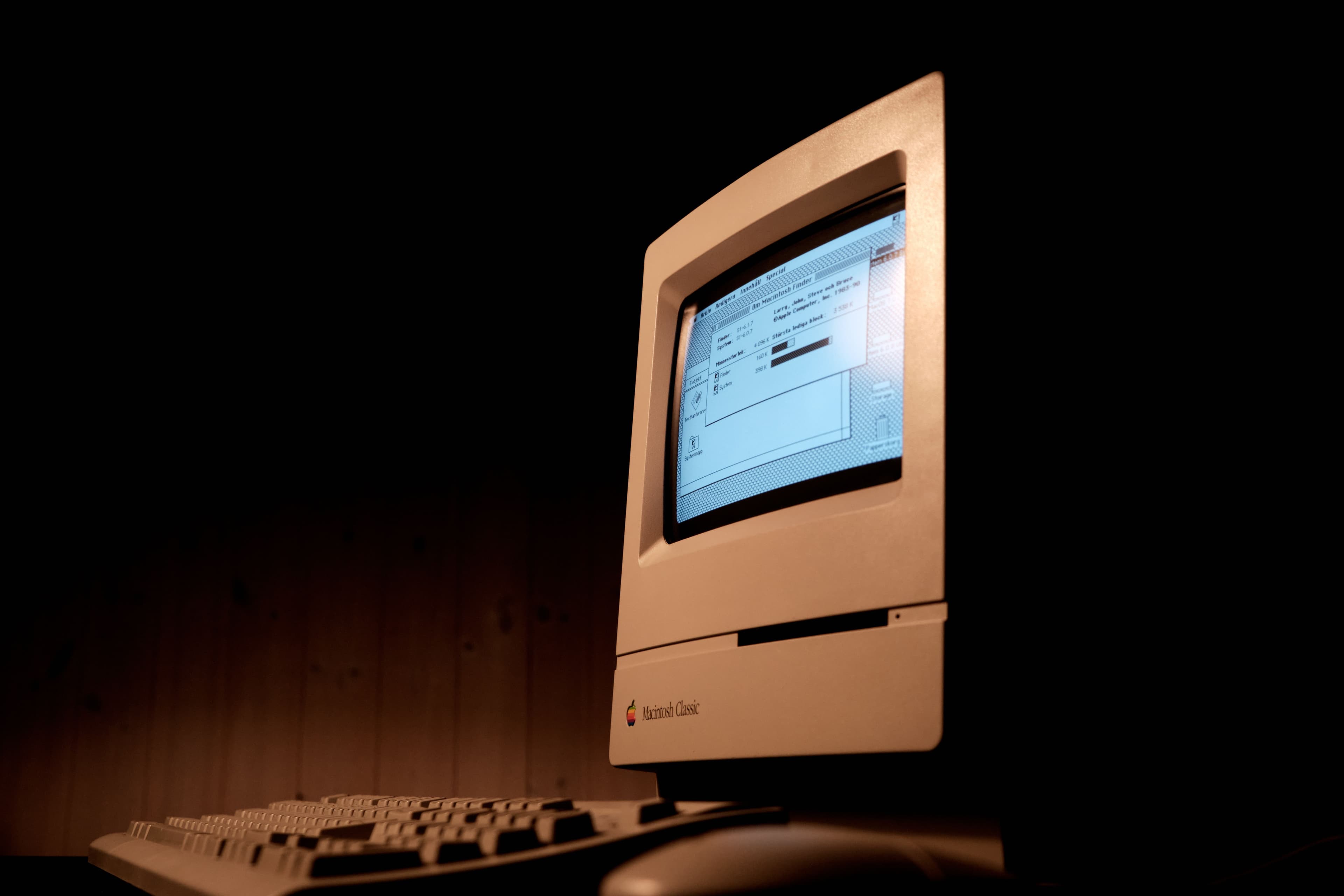
Nearly every medium-sized or large company faces the same paradox: systems that were modern when introduced can become bottlenecks in day-to-day operations. ERP, CRM, spreadsheets, internal portals and HR tools still work, but each holds only part of the picture and they rarely communicate. The result is duplicated work, decisions based on incomplete data and teams spending hours on tasks that should be automated.
Legacy system integration offers a way forward without discarding what already works. Rather than replacing everything at once, modernization connects existing tools, standardizes data flows and creates a reliable foundation for future changes. This guide explains why disconnected legacy systems slow down processes, how to plan integration step by step and how to measure the gains after implementation.
Why legacy systems slow down processes and create rework
A legacy system is not necessarily a bad system. It may be critical, stable and closely adapted to the business. The issue is not its age but its isolation: when systems operate as islands, information has to be entered, checked and reconciled by hand.
Common symptoms in everyday work
- Duplicated work: an order is entered in the CRM and then entered again in the ERP, increasing the chance of error.
- Conflicting data: finance and sales reports do not agree because each team relies on a different source.
- Slow decisions: managers wait days for a consolidated report that could be produced in minutes.
- Dependence on key individuals: only one person knows how to export and combine the data, creating operational risk.
- Weak security: spreadsheets and makeshift integrations circulate without access controls or traceability.
Each problem consumes time and money. Together, they explain why process modernization is no longer just an IT project: it has become a management priority.
How to map integrations and choose the right architecture
Integrating legacy systems without a plan often creates a web of point solutions that is expensive to maintain. The following sequence organizes the work from assessment through implementation.
1. Inventory systems, data and process owners
List every system in use, who owns it, what data it stores and how often that data changes. Include spreadsheets and parallel controls: they often reveal where an integration is missing.
2. Map data flows
Trace where information originates, which systems it passes through and where it ends up. Identify duplicate entry, data trapped within a single department and information used for critical decisions. This map shows which connections can produce the most immediate value.
3. Choose an integration architecture
Different approaches suit different data volumes, team capabilities and business priorities:
- Point-to-point integrations: quick to implement, but harder to maintain as the number of systems grows.
- Middleware or an integration layer: centralizes connections and reduces maintenance effort, particularly in environments with many systems.
- APIs and standardized services: expose legacy system functions in a modern, reusable way.
- Gradual cloud migration: moves workloads in stages without interrupting operations.
For many companies, the answer is not a single approach. It is a combination that respects the pace of the business and the criticality of each system.
4. Prioritize by impact and risk
Not every integration needs to happen now. Rank each opportunity by the process improvement it could deliver and the risk involved in implementation. Start with connections that solve real problems while minimizing disruption.
5. Build with security and observability
Integration involves sensitive data. Plan authentication, access control, logging and monitoring from the outset. When something fails, you can then detect and fix it before users are affected.
How to measure process improvements after integration
Modernization only lasts when its value is visible. Define metrics before work begins and track them after delivery.
Metrics that matter
- Cycle time: how long a process takes from start to finish before and after integration.
- Error rate: reductions in rework and inconsistencies between systems.
- Manual hours eliminated: time no longer spent entering and checking data.
- Decision speed: time between requesting a report and receiving it.
- IT maintenance cost: effort needed to keep the connections running.
With these measures in hand, integration becomes a measurable investment rather than an opaque cost. That makes it easier to justify the next phases of the project.
Why work with a technology partner
Legacy system integration calls for both consulting judgment and implementation capability. A partner needs to understand the business process, evaluate architectural options, build custom software when necessary and maintain security and support over time.
Giongo works across that full range, from technology consulting to implementation, with a focus on software development, data integration, automation and cybersecurity. That gives a company one partner to assess its processes, connect existing systems and modernize without stopping operations. Learn more about our systems integration services.
Conclusion
Legacy systems do not have to remain a permanent obstacle. With a clear integration map, an appropriate architecture and metrics to track progress, a fragmented environment can become a set of connected, reliable and faster processes. The first step is simple: identify where information gets stuck today and which connection would relieve the most urgent problem. From there, each integration can bring more predictability, less rework and more time for the business to grow.